If you are in need of replacement parts not listed below, you can search the Redbox Tinkering Discord server to see if anyone is selling it! The forum is available here. Always do your research before purchasing from Individual Seller(s) or Drop Shippers (not recommended).
#Motion System Parts
These parts are used for Motion System Parts
#Sensors
#OMRON SENSOR Switch
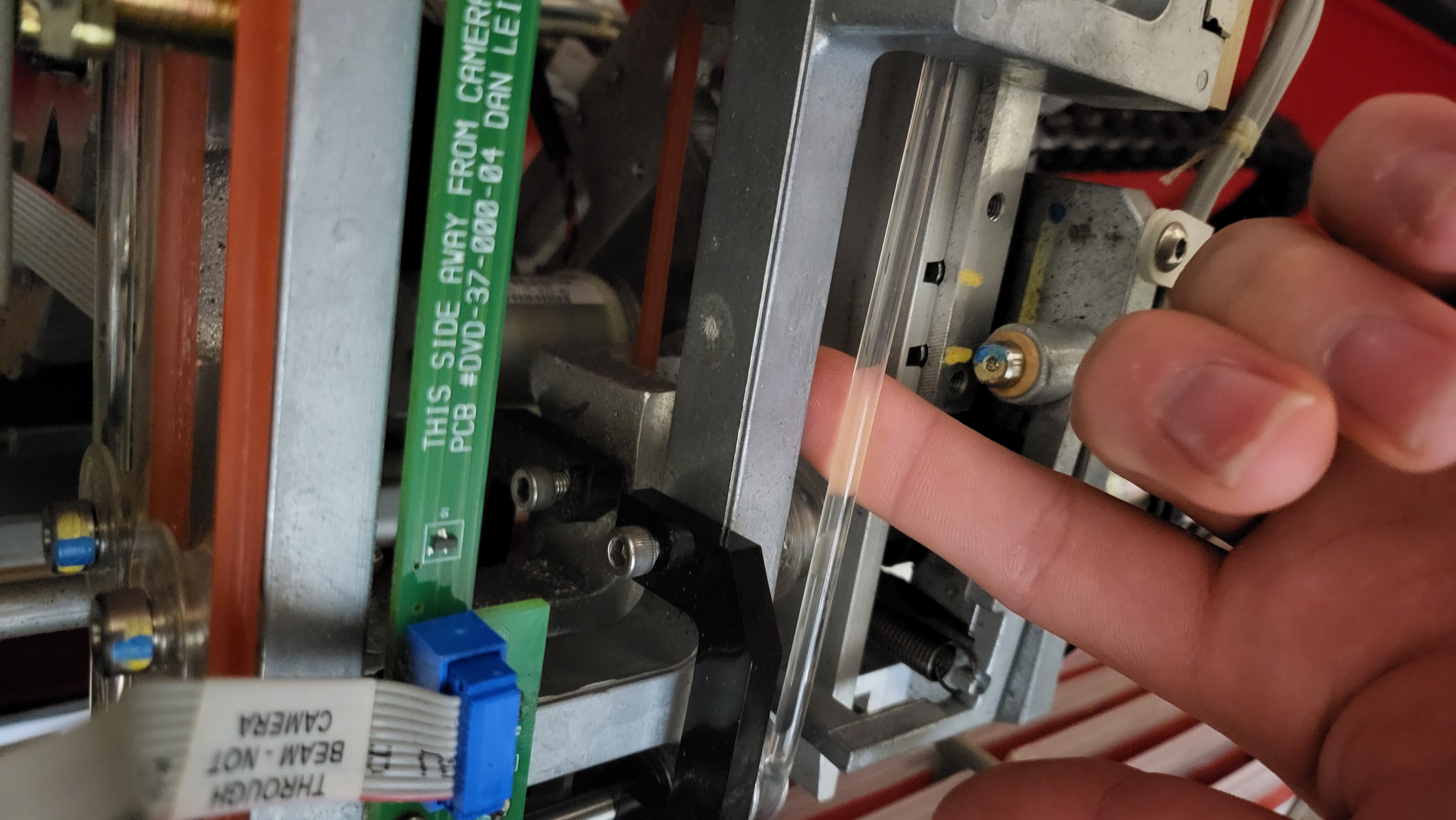
The ones on the picker rail and Carousel are EE-SX671 by Omron, and the ones physically on the picker are EE-SX672 by Omron.
You can use the OEM components or third-party equivalents, as both perform the same function. However, it’s generally recommended to stick with OEM parts or purchase them in bulk for consistency and reliability.
Link to buy the EE-SX671: https://www.digikey.com/en/products/detail/omron-automation-and-safety/EE-SX671/154239
Link to buy the EE-SX672: https://www.digikey.com/en/products/detail/omron-automation-and-safety/ee-sx672/154232
#Electronic Parts
This section is for electronics and parts that need replacement
#Tripplite UPS Battery
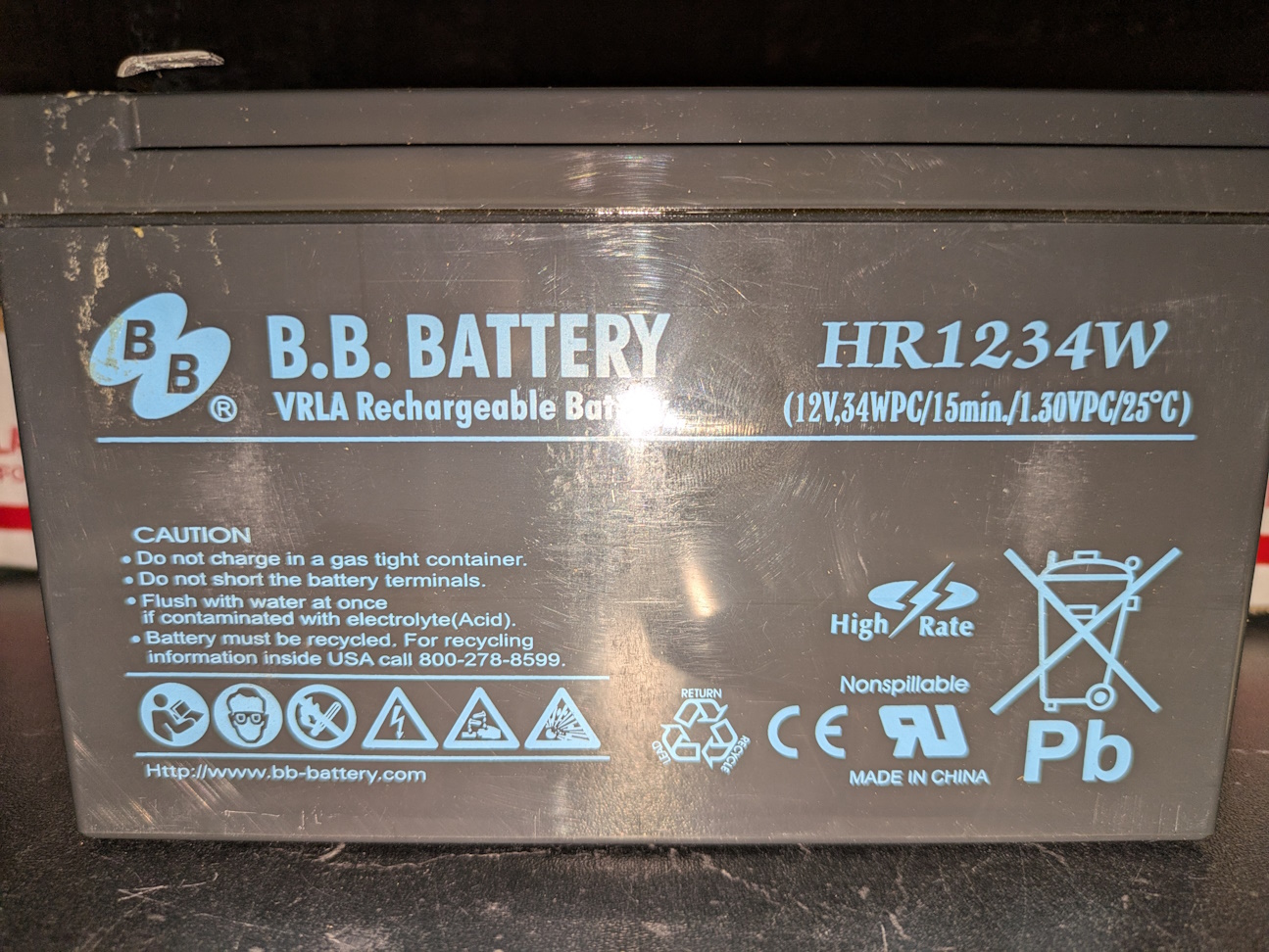
Battery is installed with B.B. Battery HR1234W VRLA Rechargeable Battery (12V,34WPC/15min./1.30VPC/25°C). These batteries are known to pillow and cause fires. Replacing with a better alternative is recommended.
Recommended replacement would be a good quality 12V9Ah SLA or 12V7Ah SLA Battery. These parts can be found on Amazon or eBay.
#How to replace battery safely
MAKE SURE THE UPS IS UNPLUGGED BEFORE REPLACING THE BATTERY TO AVOID ELECTRIC SHOCK
- There should be a Philips screw at the bottom of the UPS that should be undone to be able to slide the cover out
- Unplug the negative connector first, then positive connector.
- Take the replacement battery and plug the positive terminal to the red connector, then negative terminal to the black connector. Take caution as there is risk of electric shock since most capacitors have been down for a while
- Test the UPS by turning it on. If the screen shows, then battery replacement is done and the cover can go back on. If it still doesn't turn on, repair or replacement of the Tripplite may be required.
#PCB and Wire Connectors
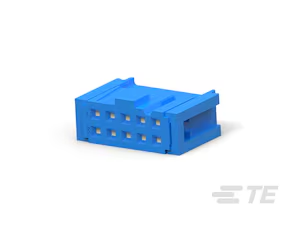
#Blue IDC Connectors
These parts are fully interchangeable with the original male and female connectors.
Male: TE Connectivity 2-1761603-3
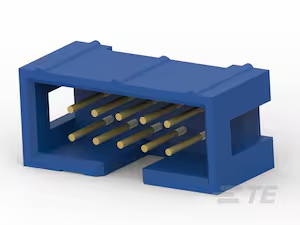
Female: TE Connectivity 1658527-3 or TE Connectivity 1658527-4
#24V Power Supply
These power the motors and other components. These should not fail, but if they do, the Power Supply in the kiosk is no longer manufactured.
OEM uses 24V at 4.3A Power Supply while the aftermarket equivalents should work as long as they supply the minimum Amperage or higher.
- PSS24-100-S (24V at 4.5A)
Notes: Drilling may be required to mount in the kiosk
#Enclosure Parts
This section should be for parts related to enclosure parts and components
#IceQube IQ2200VS
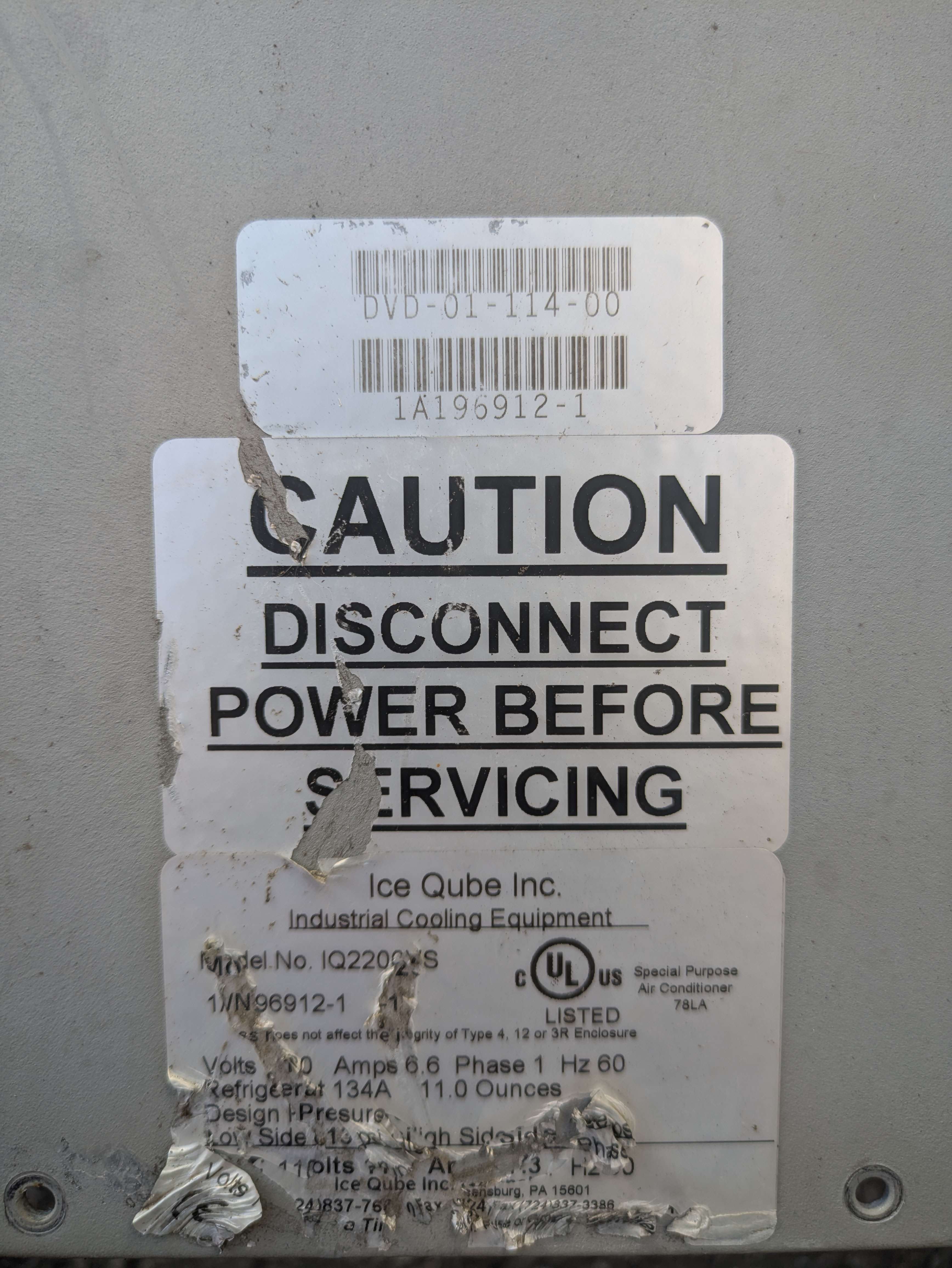
This section contains parts for replacing the Blower Motor Assembly. You will need to order these parts directly from IceQube Sales at 1-888-867-8234. Serial Number is located on the side, as you will need to provide this. Refer to the sticker located on the AC unit.
#Single Blower Motor
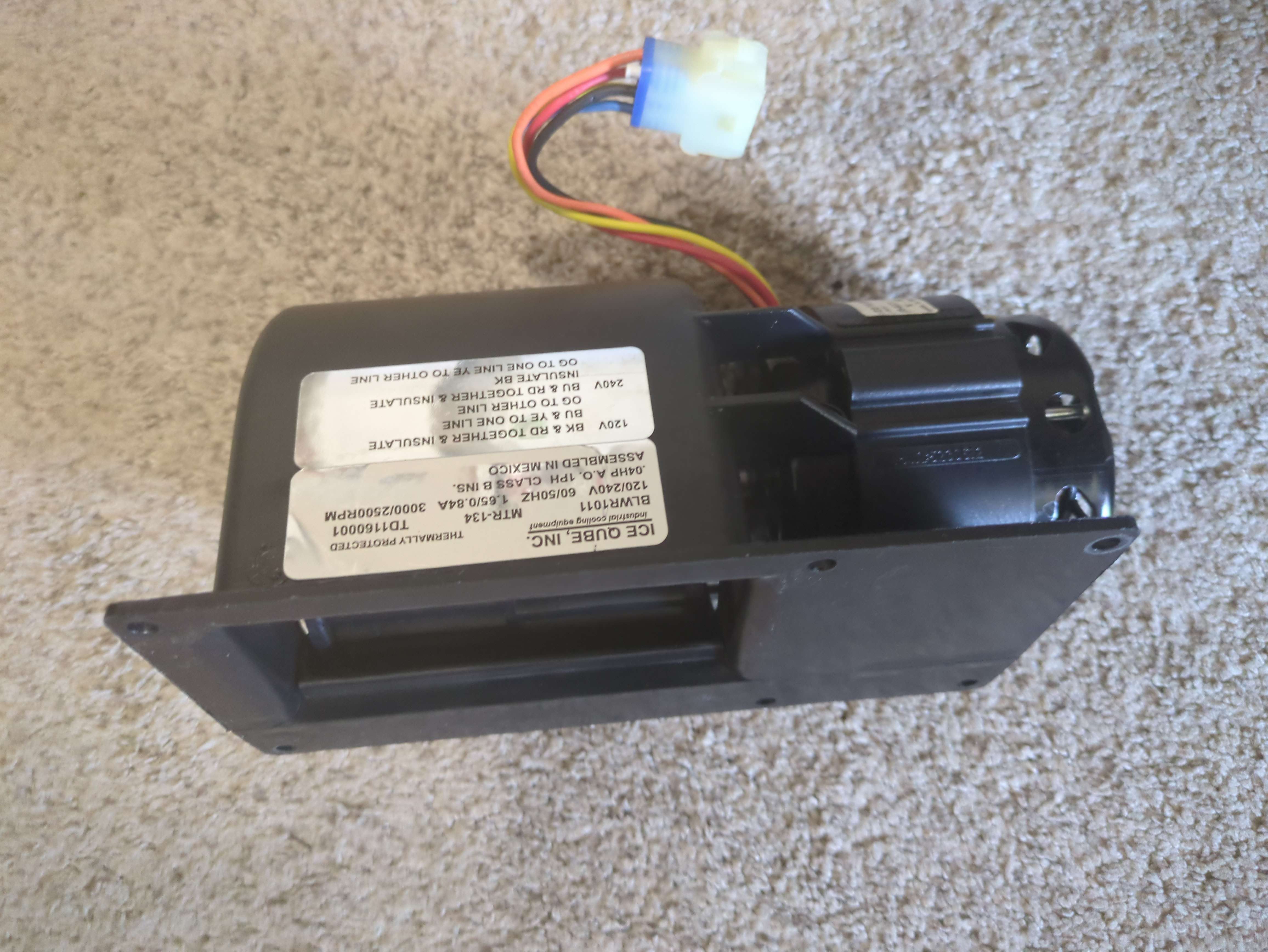
Please note that single blower motors manufactured before 2012 were recalled due to a fire hazard caused by their ability to test and reset themselves. Replacing this part is necessary, as newer fan motors include thermal capacitors to prevent this issue.
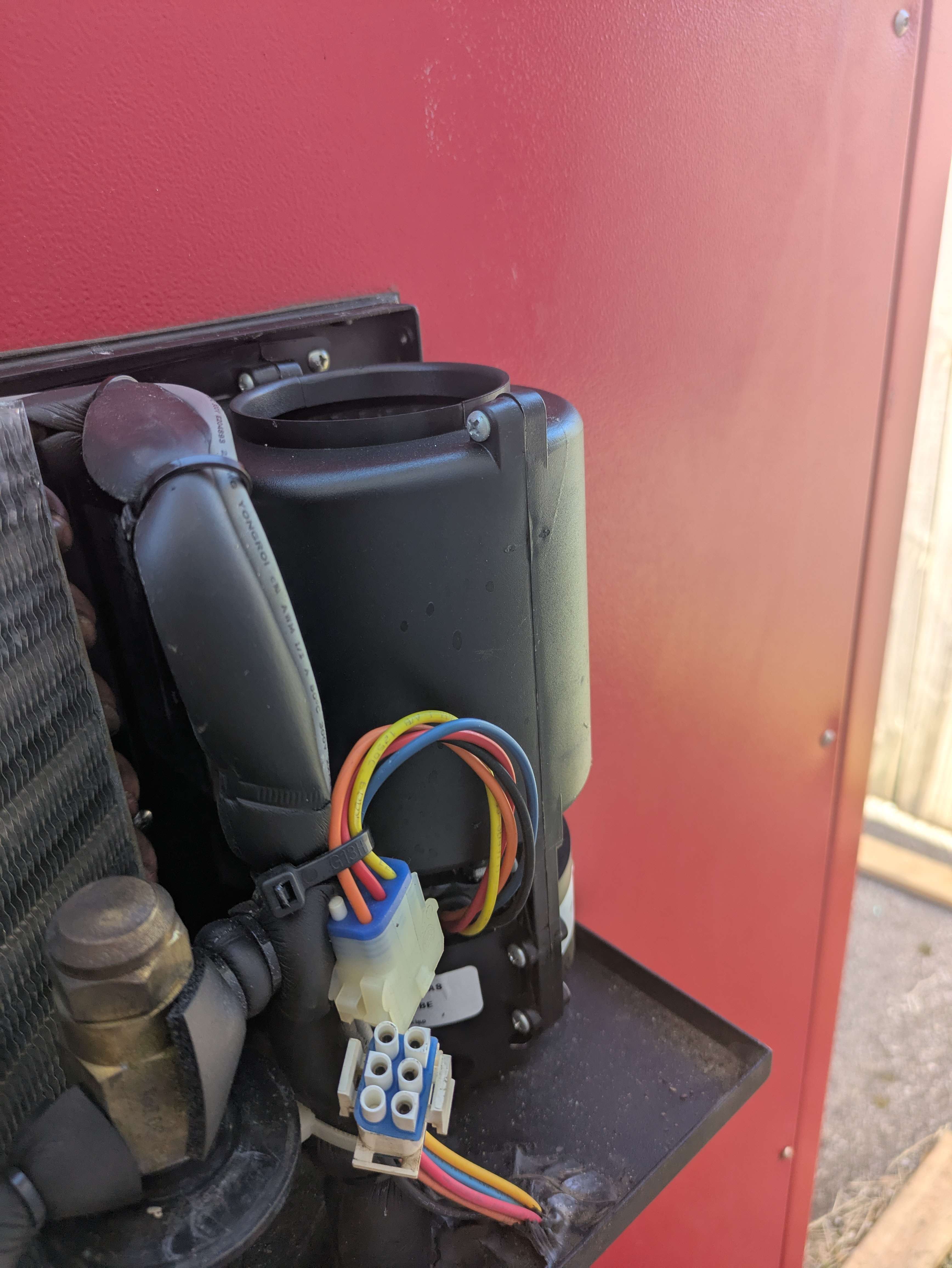
Complete single-wheel blower assembly used as the evaporator blower. It continuously operates to circulate cold air into the enclosure.
- Part Number: BLWR1011-A
- Location: Top Right
- How to Remove (Long Philips Screw Driver Required):
1. 3 Left Philips Screws
2. Right Philips Screws
3. Cut the zip tie holding it on and disconnect the connector
#Double Blower Motor
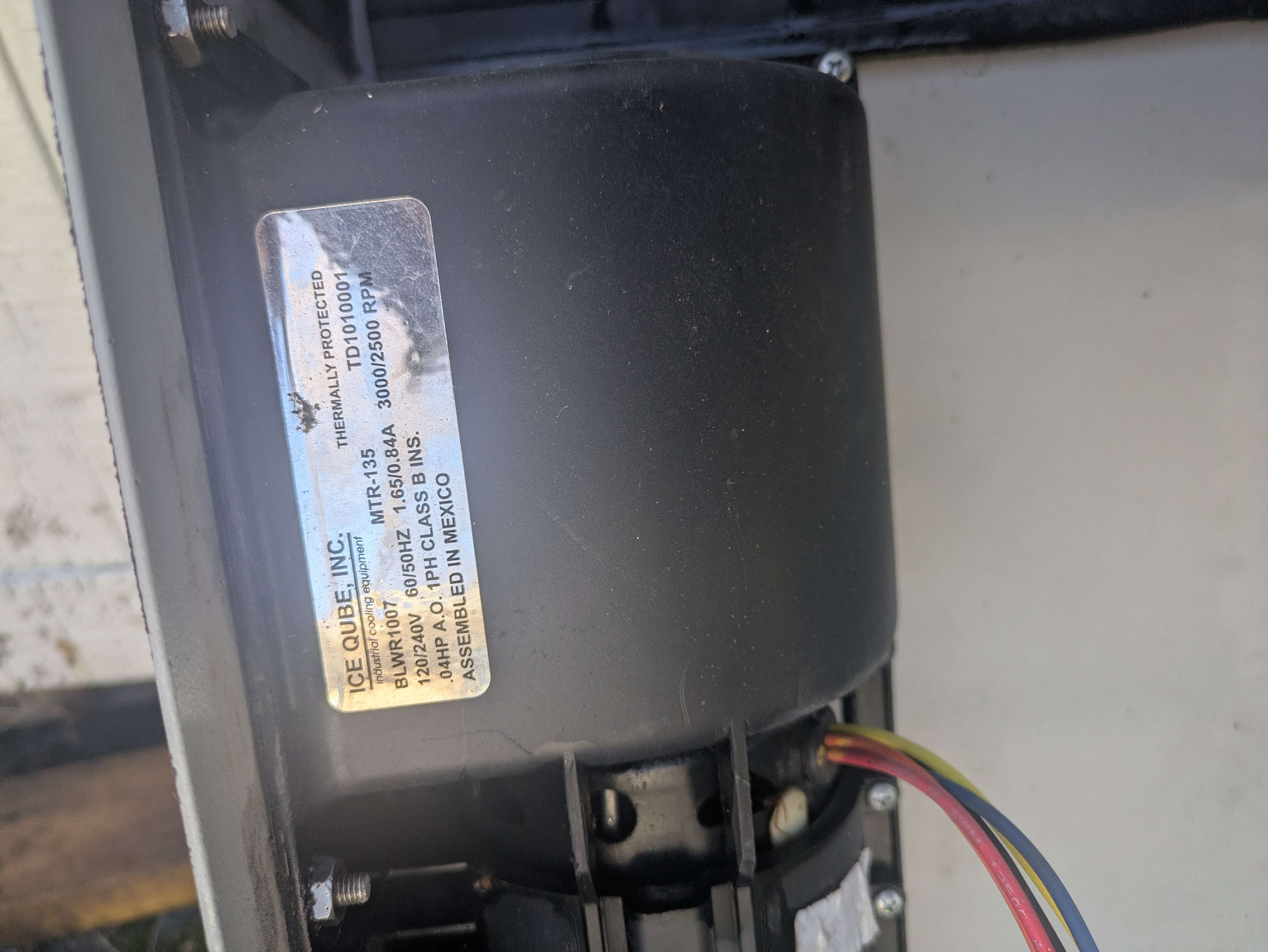
Complete two-wheel blower assembly used as the condenser blower. It moves hot air out of the air conditioner. This piece is attached to the back of the casing, which must be removed and disconnected from the main unit before setting to the side.
- Part Number: BLWR1007-A
- Location: Bottom Left
- How to remove: todo
#Carousel Parts
This section should be for parts related to the carousel
#Carousel Belts
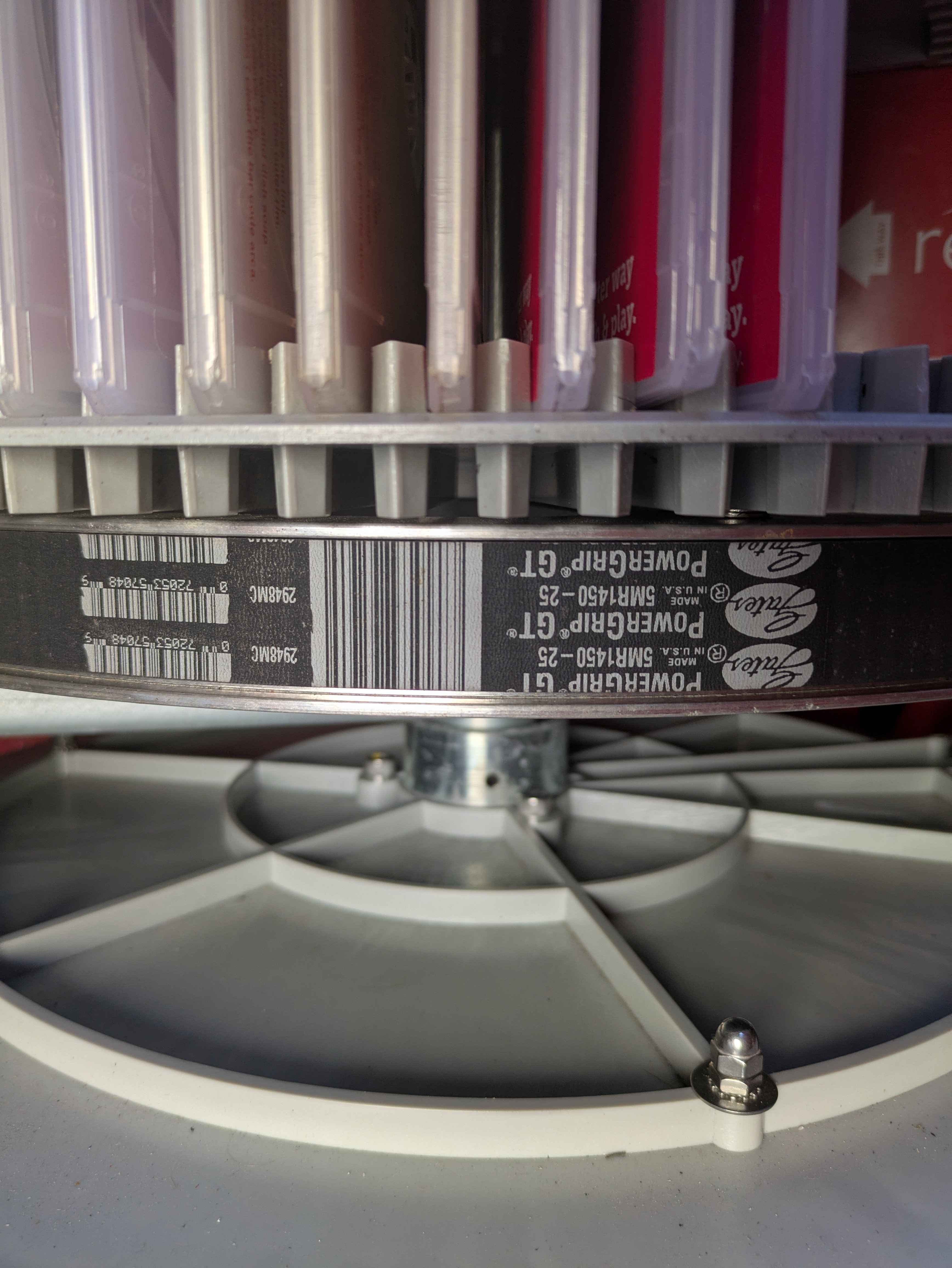
Per measurements, the belt is 57.09" in length and 0.98" in width with 290 teeth.
Replacement Options:
(Confirmed) Gates PowerGrip GT 5MR-1450-25:
Note: Part is no longer in production. Recommends PowerGrip GT2 5MR-1450-25 as a replacement from the manufacturer. You can find these parts new on eBay if you want the exact part, but caution to be alert and verify the part is new and not used as used parts are unverified if they are any good.
(Alternative) Biedler's Belts:
Note: Original part uses PowerGrip GT belts while the new part uses PowerGrip GT2, which uses a different material.
Differences Observed:
- Heat Resistant
- Fiberglass Tensile Cord
- Chloroprene Core Material
It is possible to use another belt as long as it has the same measurements:
1450 - Length in Millimeters
25 - Width in Millimeters
5M - Belt Pitch/Tooth Profile
Usually sold as a timing belt
V-Belt Guys sells a belt which has been successfully tested and works to replace the carousel belt at a lower cost than OEM replacement. The model received has been reported as a D&D Synchro Power Belt HTD 1450-5m.
#Picker Parts
This section should be for parts relating to the disc picker
#Picker Belts and Other Parts
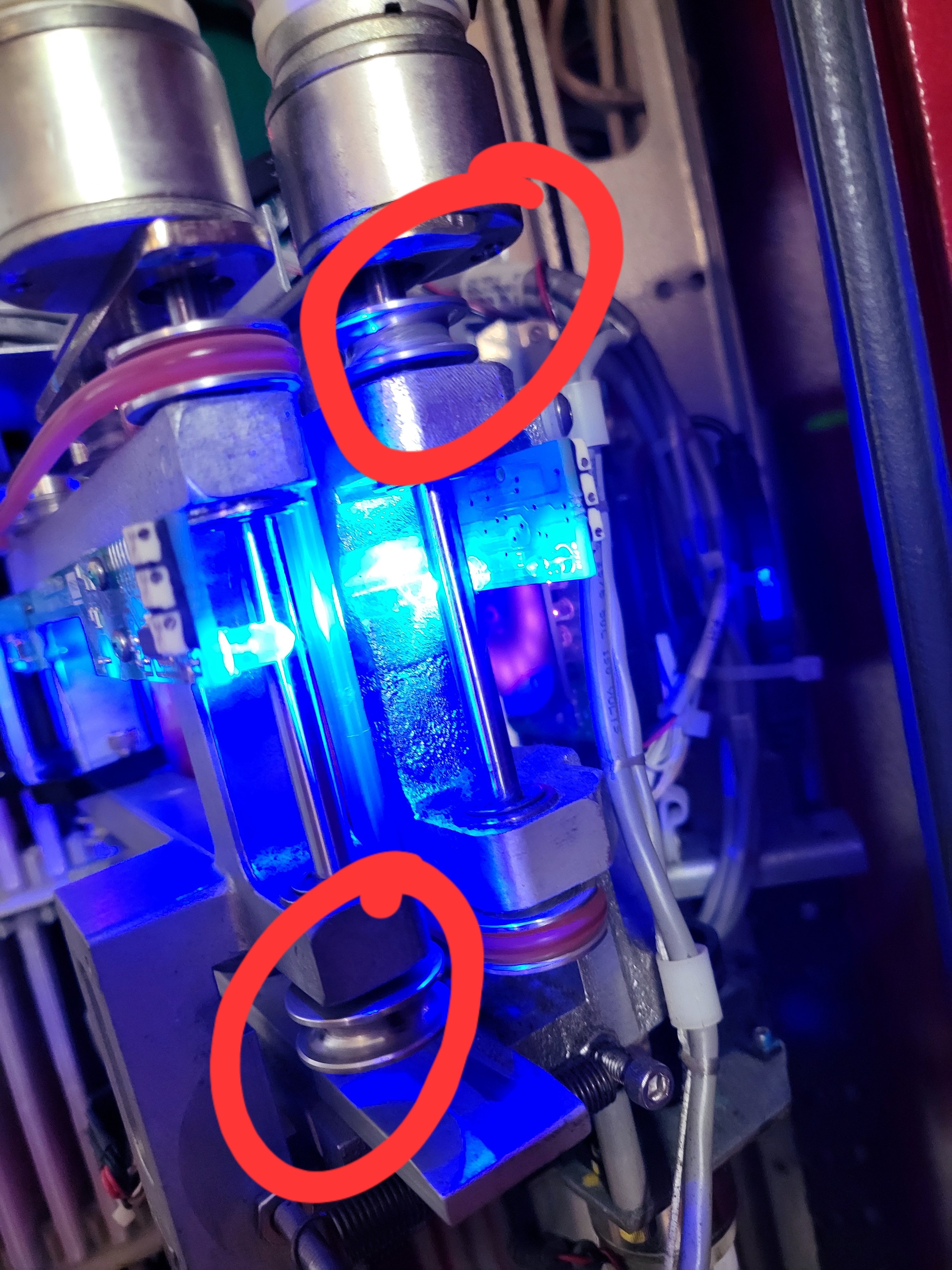
Per measurements, the belt is 0.177" in diameter and 16.5" in circumference
Replacement Options:
(Confirmed) McMaster-Carr 3044k605:
Note: this isn't an EXACT replacement for the Redbox ones but it appears to work.
Differences Observed:
- Harder material
- Bigger cross-sectional diameter
- Clear
#Disc Cases
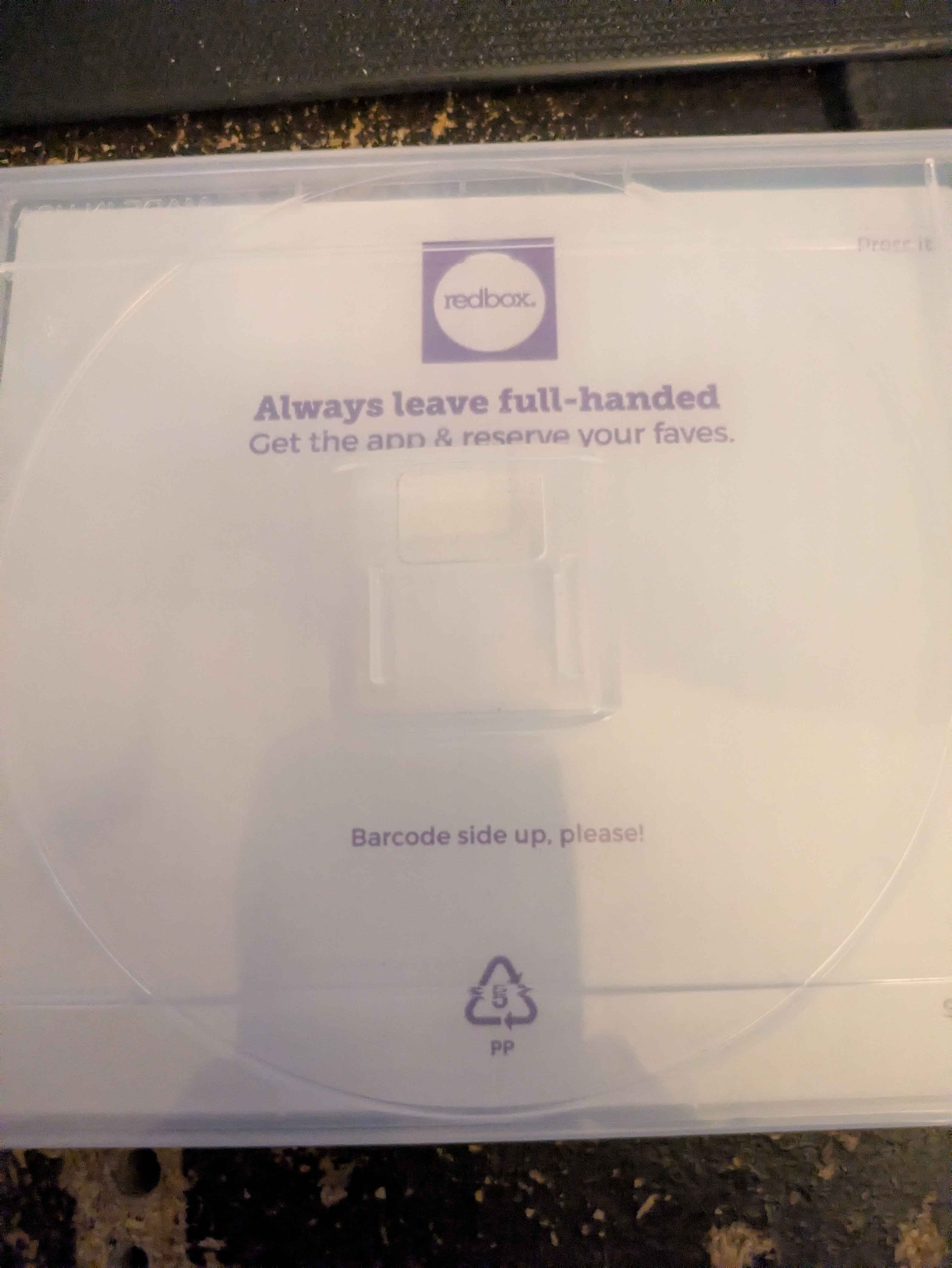
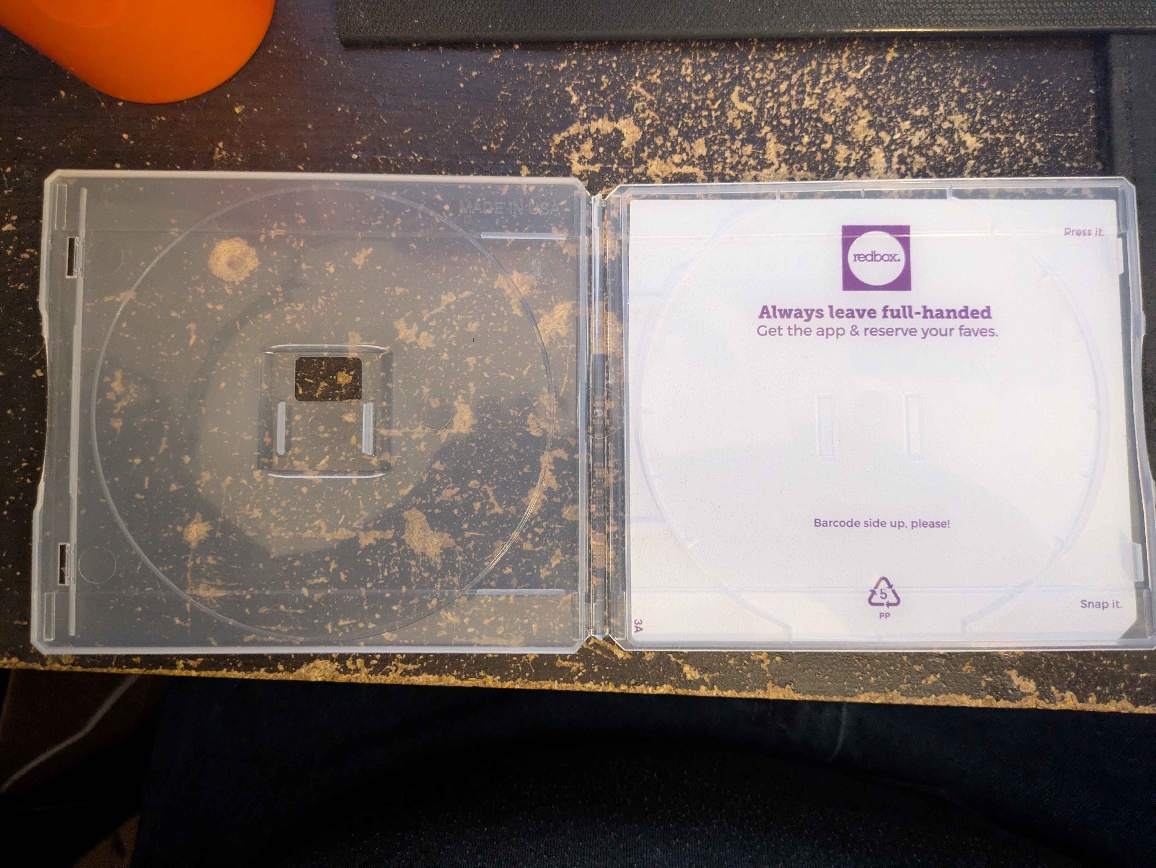
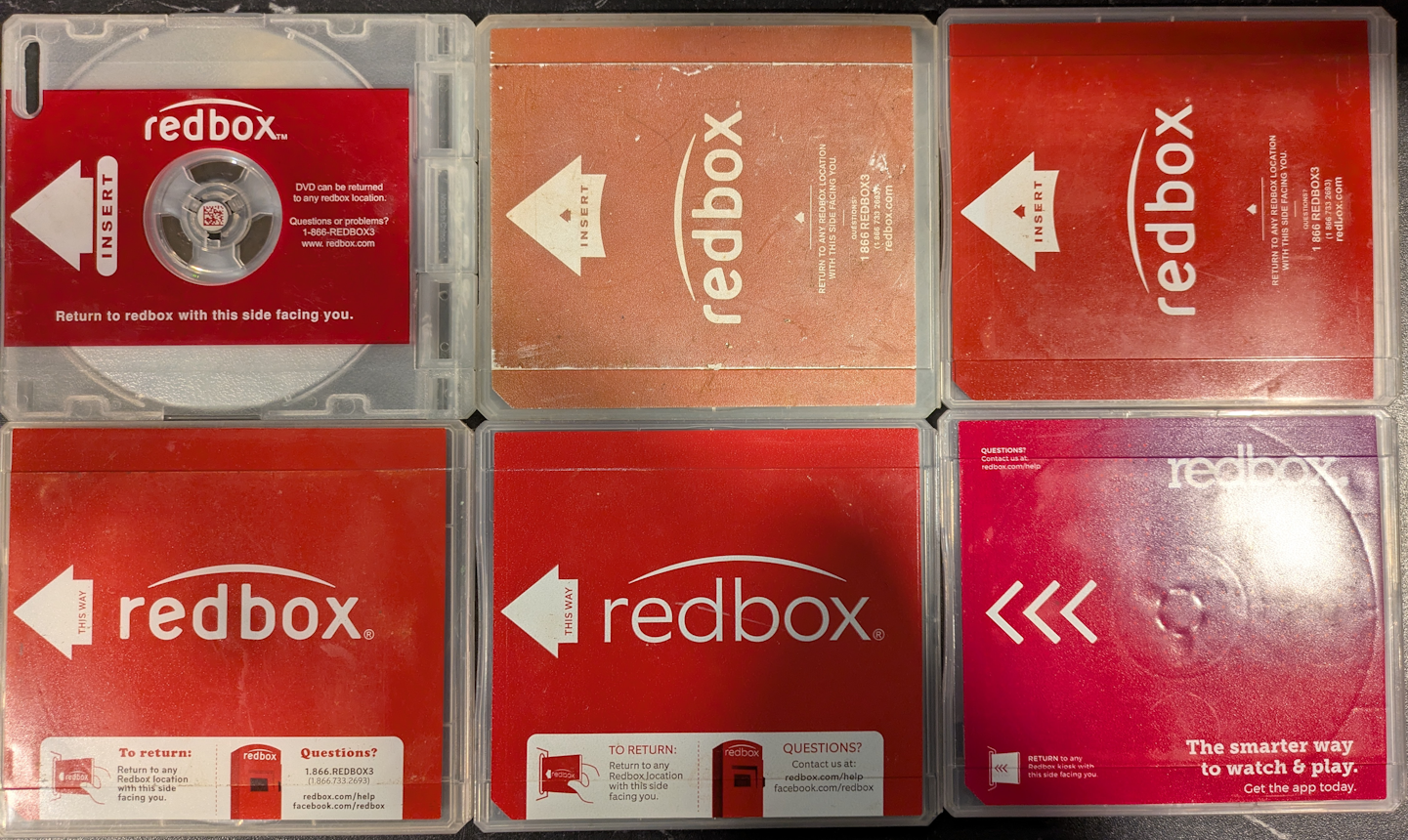
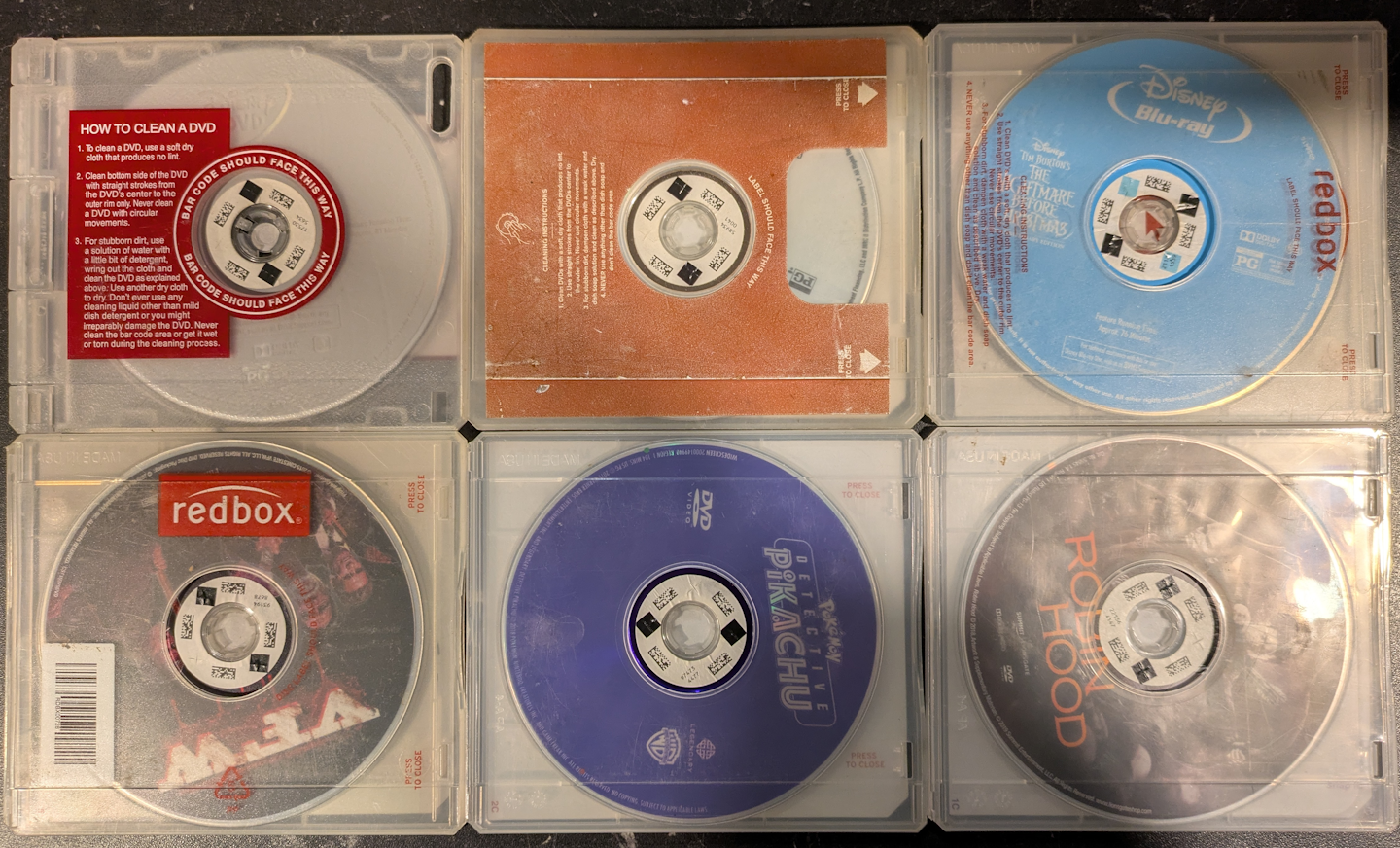
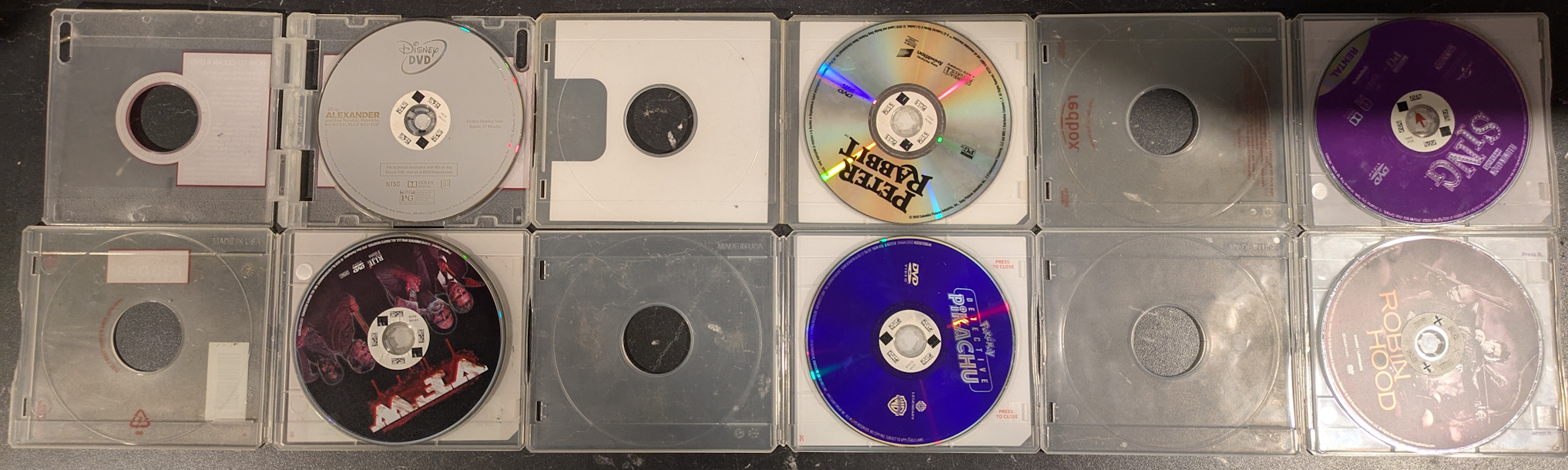
At least five versions of cases have been observed with differences apparently only being cosmetic.
One version, shown the lower left, includes a barcode on the reverse side: “RDBX00728.”
(The addition of the UPC code might have allowed a retailer to more easily sell a missing replacement case.)
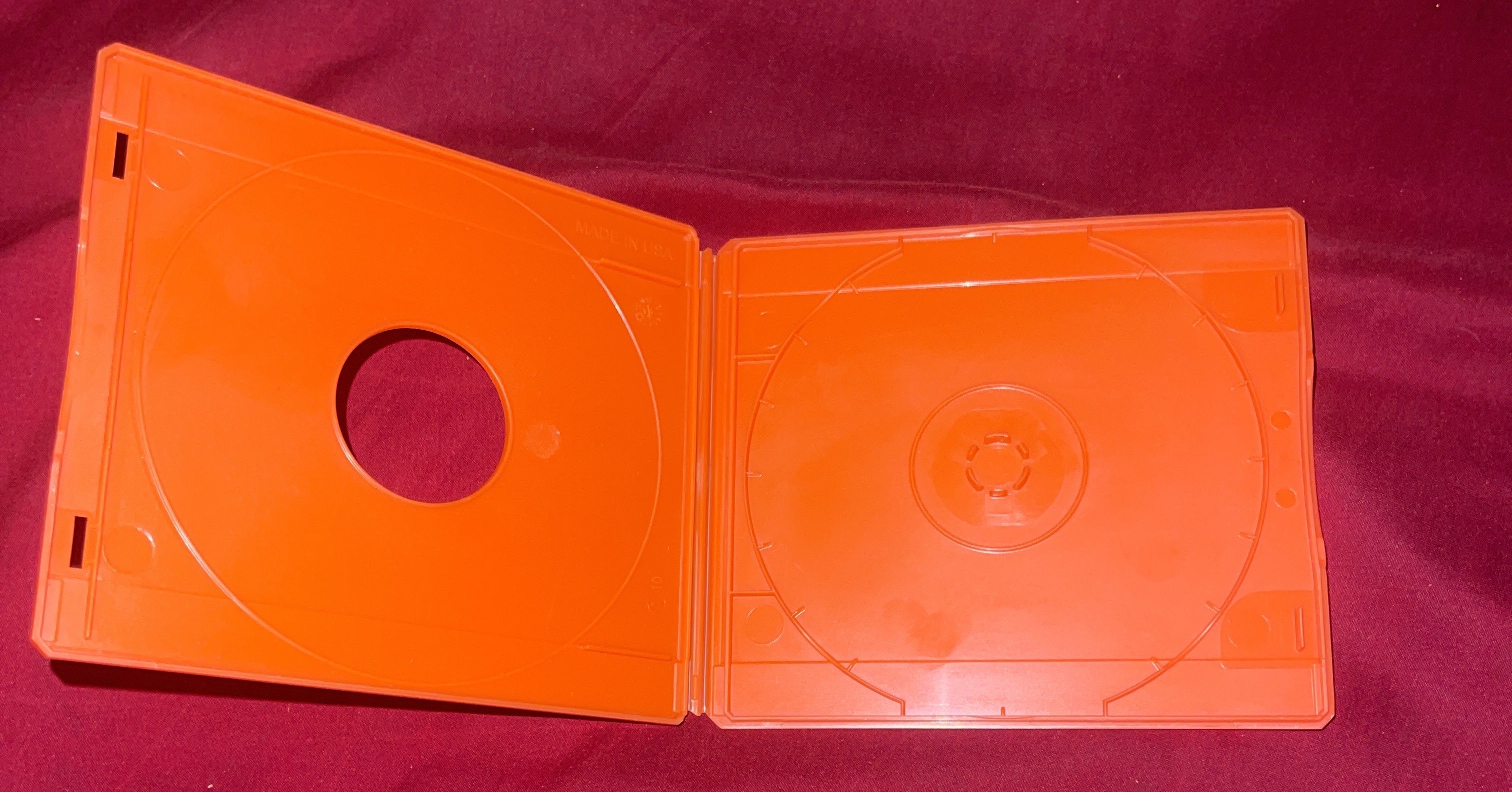
There were employee cases that were marked Blue, Orange, and Red
#Employee Cases
Employee cases were to indicate whether they were Redeploys, Redistributes, and Thins. These may still be inside kiosks and is rare to find one of these in the wild.
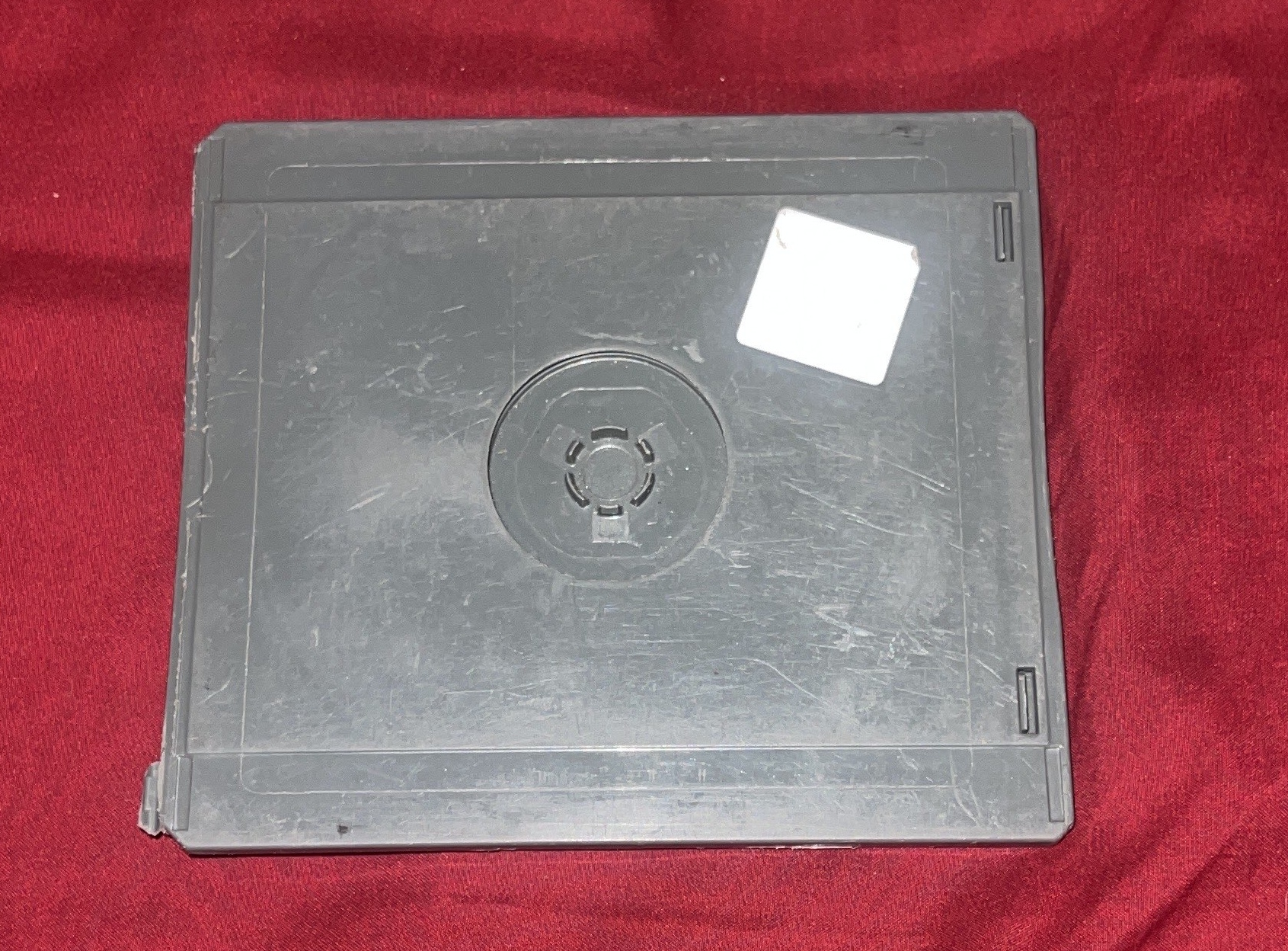
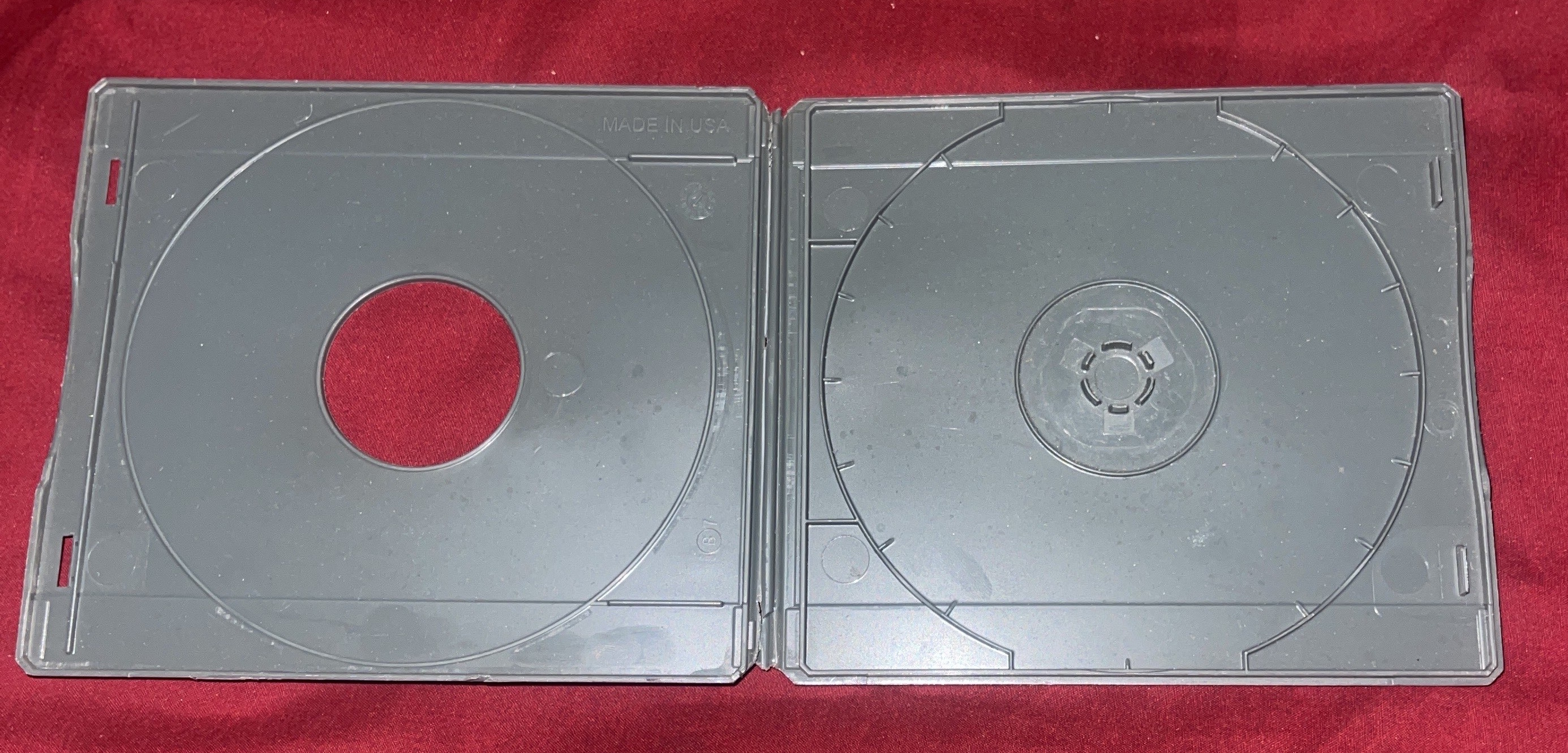
#Grey (Redeploys)
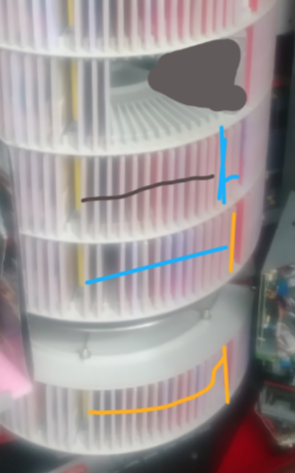
Discs intended to be placed into other kiosks that have space for more inventory. These were commonly used before COVID, but the process became more random and less structured afterward. Kiosks didn’t request specific titles or quantities—discs were simply added where there was space (usually in the VMZ, which is decks 1–7 between the yellow barriers). Any leftover redeploys at the end of the week became thins and were stored in a grey tote.
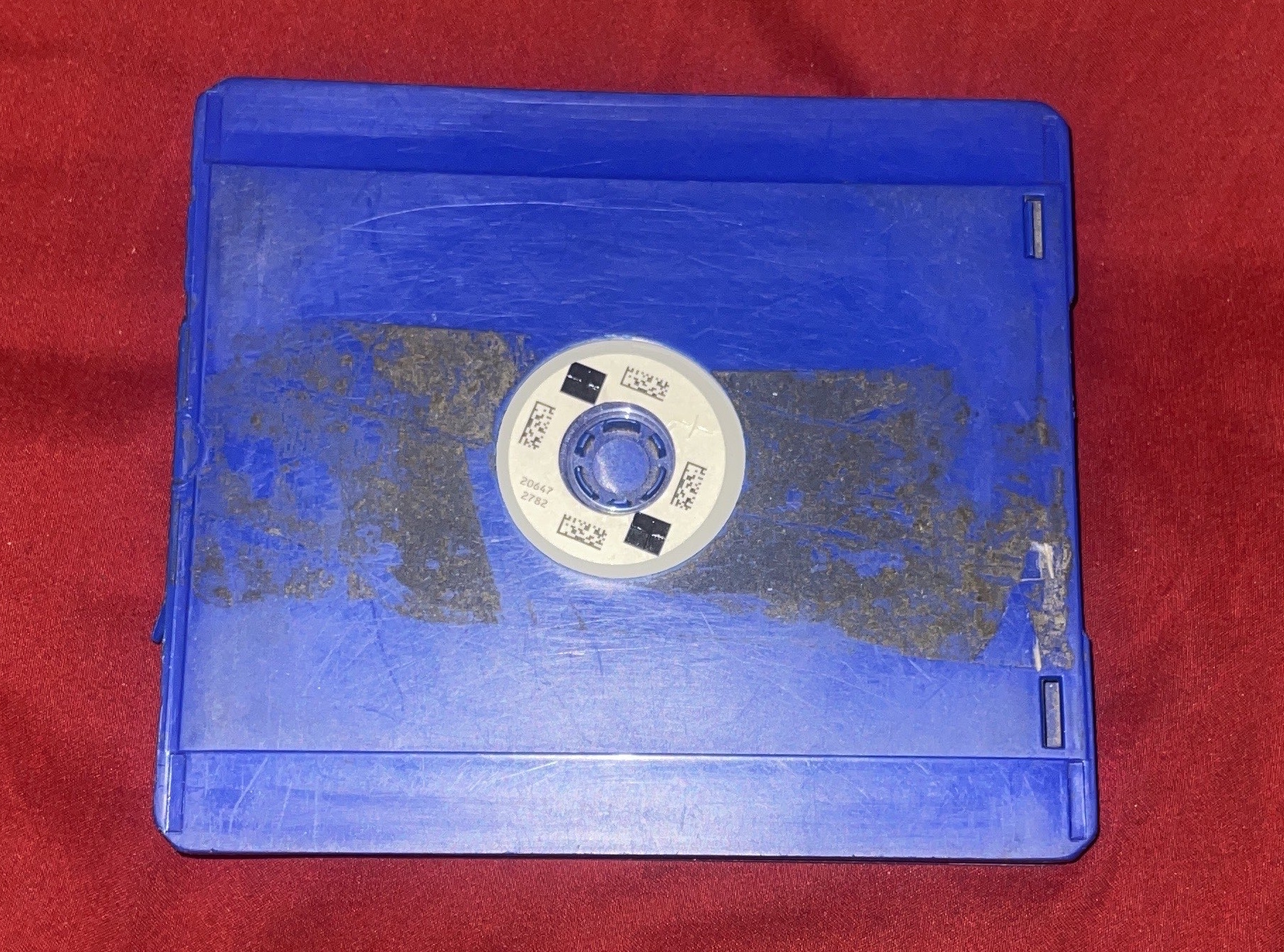
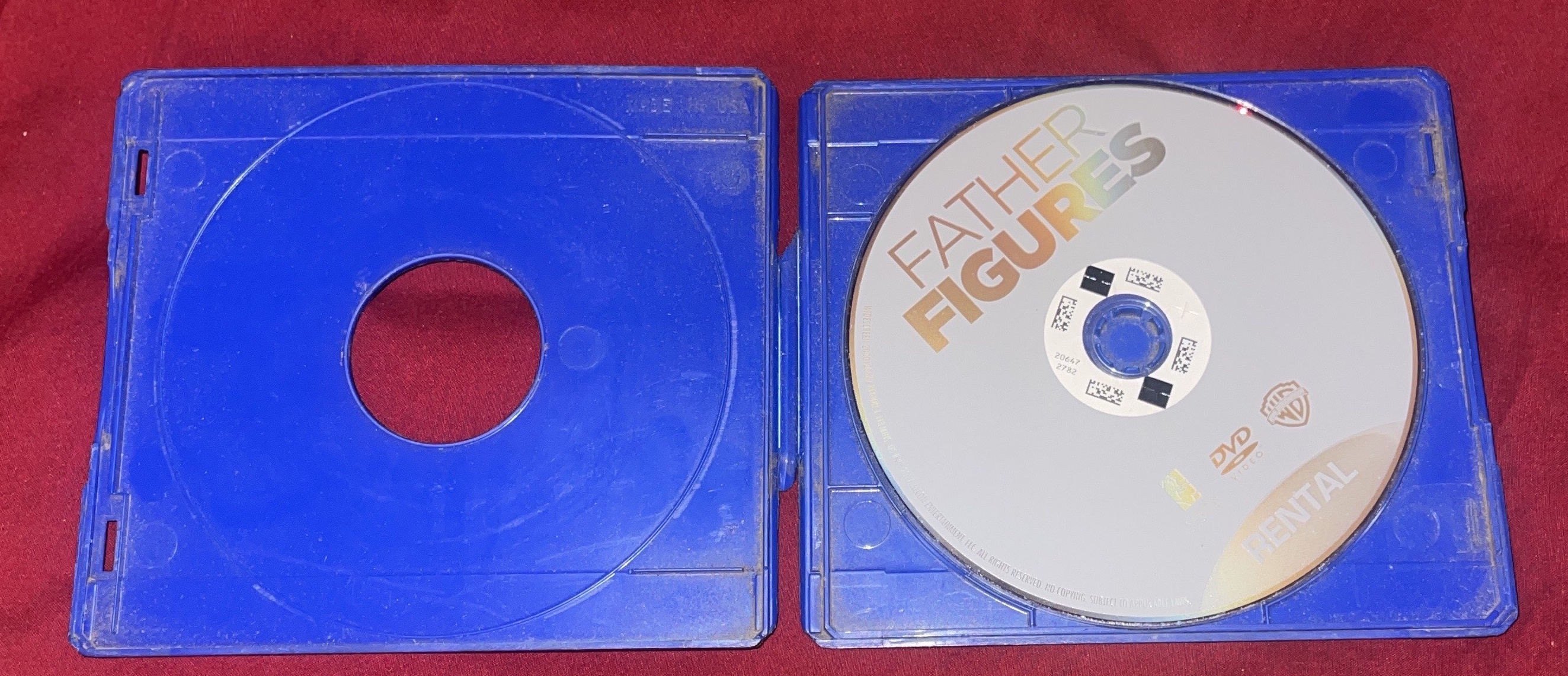
#Blue (Rebalances)
Popular titles that got returned in large numbers to a single location. These need to be redistributed to other kiosks that need them. The system will direct specific amounts to certain kiosks along the route. Discs are typically kept in a black tote, sorted by title.
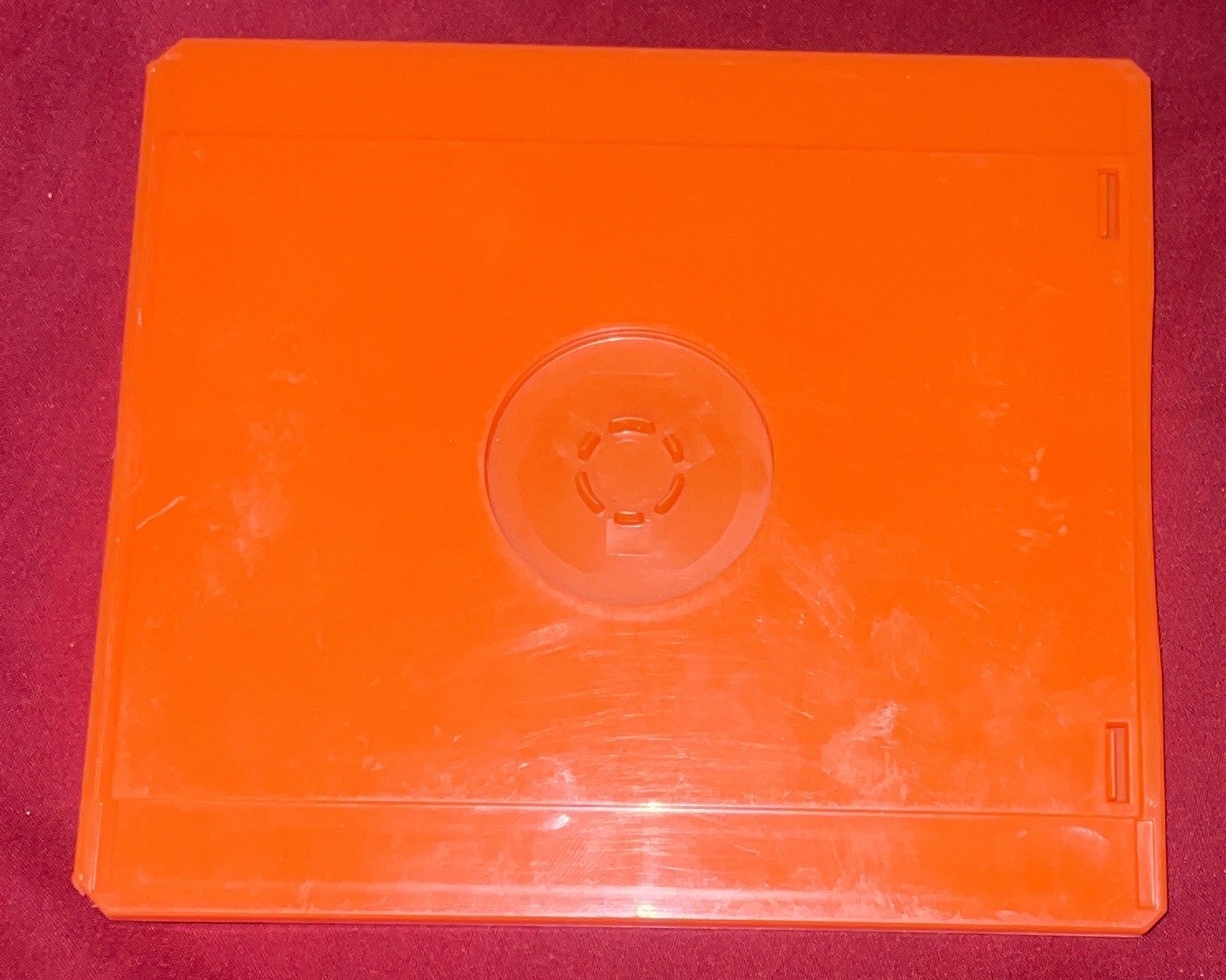
#Orange (Thins)
Discs that are damaged, outdated, unsellable, or tampered with (e.g., broken, fake, mislabeled). These go into a cardboard box that fits about 300 discs and are sent back to corporate. From there, they’re sent to Sony for storage or resale.
#Explanation of usage
If the kiosk ejects the following:
- Grey marker
- 10 discs
- Blue marker
- 5 discs
- Orange marker
- 15 discs
That means:
- The 10 discs after the grey marker are redeploys
- The 5 discs after the blue marker are rebalances
- The 15 discs after the orange marker are thins
- Any discs in the bins are automatic and always thins, which holds up to 60 as per set in the software
Inside kiosks, they would be marked from Left to Right typically by a higher up at the company. These would be done on slots 1-15 on each deck, as marked by the yellow barrier on the kiosk carousel.
#Switch Cases
These cases were used for Nintendo Switch game rentals at Redbox kiosks in limited U.S. test markets, not as a nationwide rollout.
Initial test markets (October 2017):
- Seattle, Washington
- San Antonio, Texas
- Portland, Oregon
Later additional test markets (March 2018):
- Denver, Colorado
- Salt Lake City, Utah
- Nashville, Tennessee
By March 2018, Redbox said Switch rentals were available at more than 2,000 kiosks across these six markets. Redbox later ended video game rentals in December 2019, stating it was permanently transitioning out of the games business to focus on movies due to changing trends in the gaming market. These cases are likely still out there, but it is rare to find. You can typically find these on Marketplace or eBay listings occasionally.